
1 Open
Start with the file you already have.
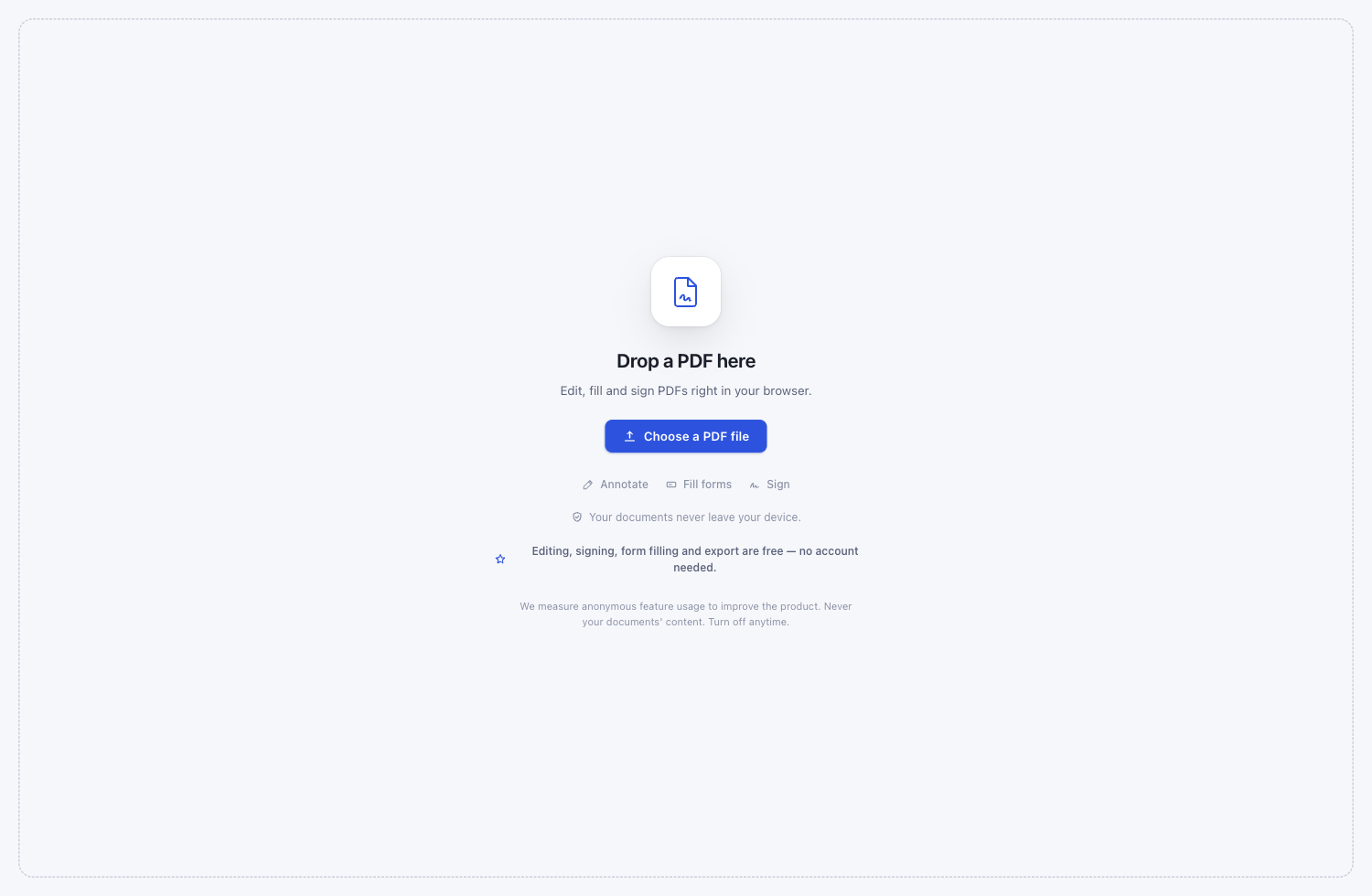
Drop in a PDF, choose one from your device, or open the PDF already in your browser.
Local-first PDF editor for Chrome
Edit, fill and sign PDFs right in your browser—without uploading the file to a document service.
Editing, signing, form filling and export are free — no account needed.
A complete document trip, kept local
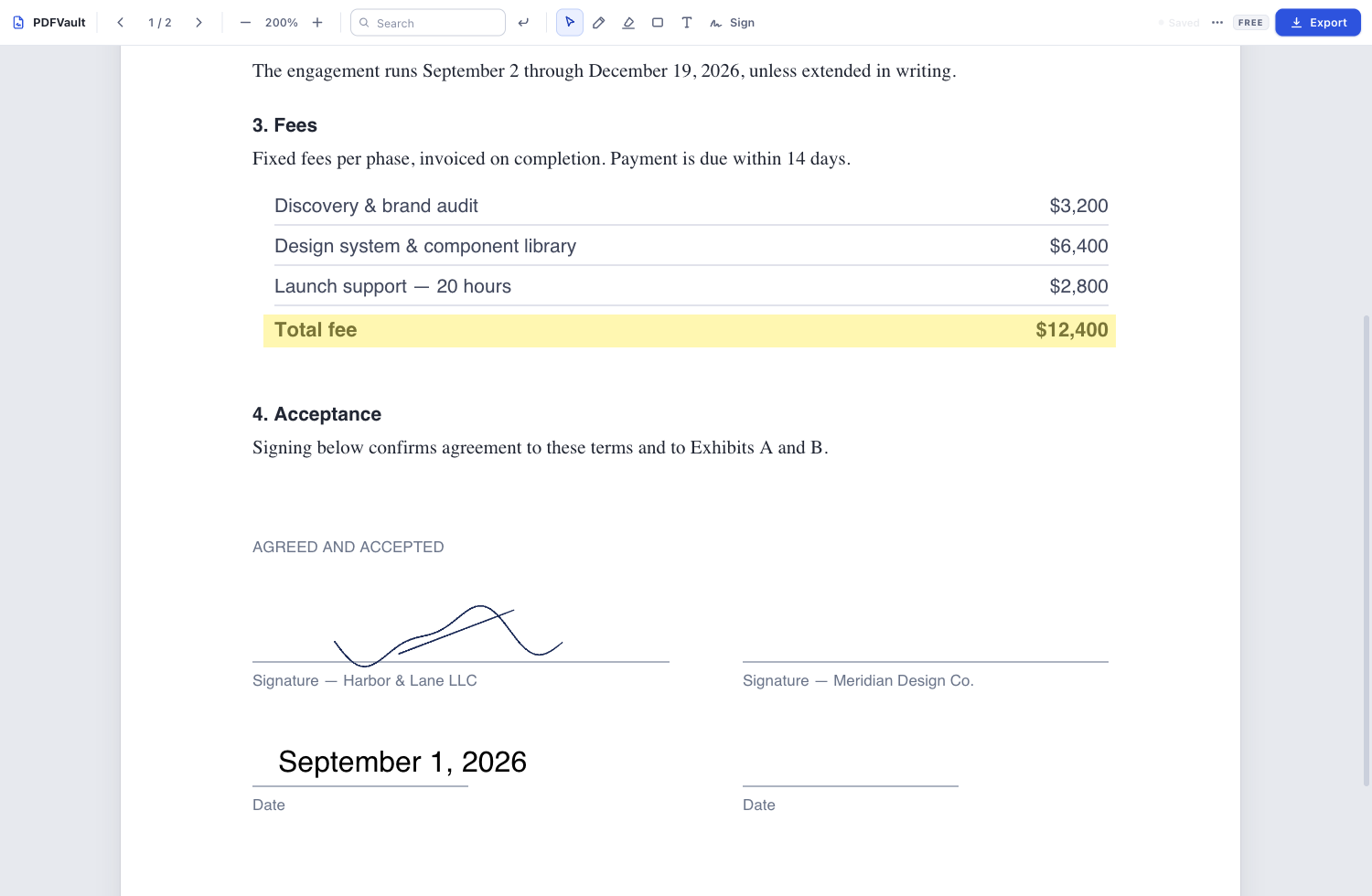
No account setup, upload queue, or unfamiliar workflow between you and the document.
Drop in a PDF, choose one from your device, or open the PDF already in your browser.
Add text and marks, fill form fields, or place a saved signature. Your source stays here.
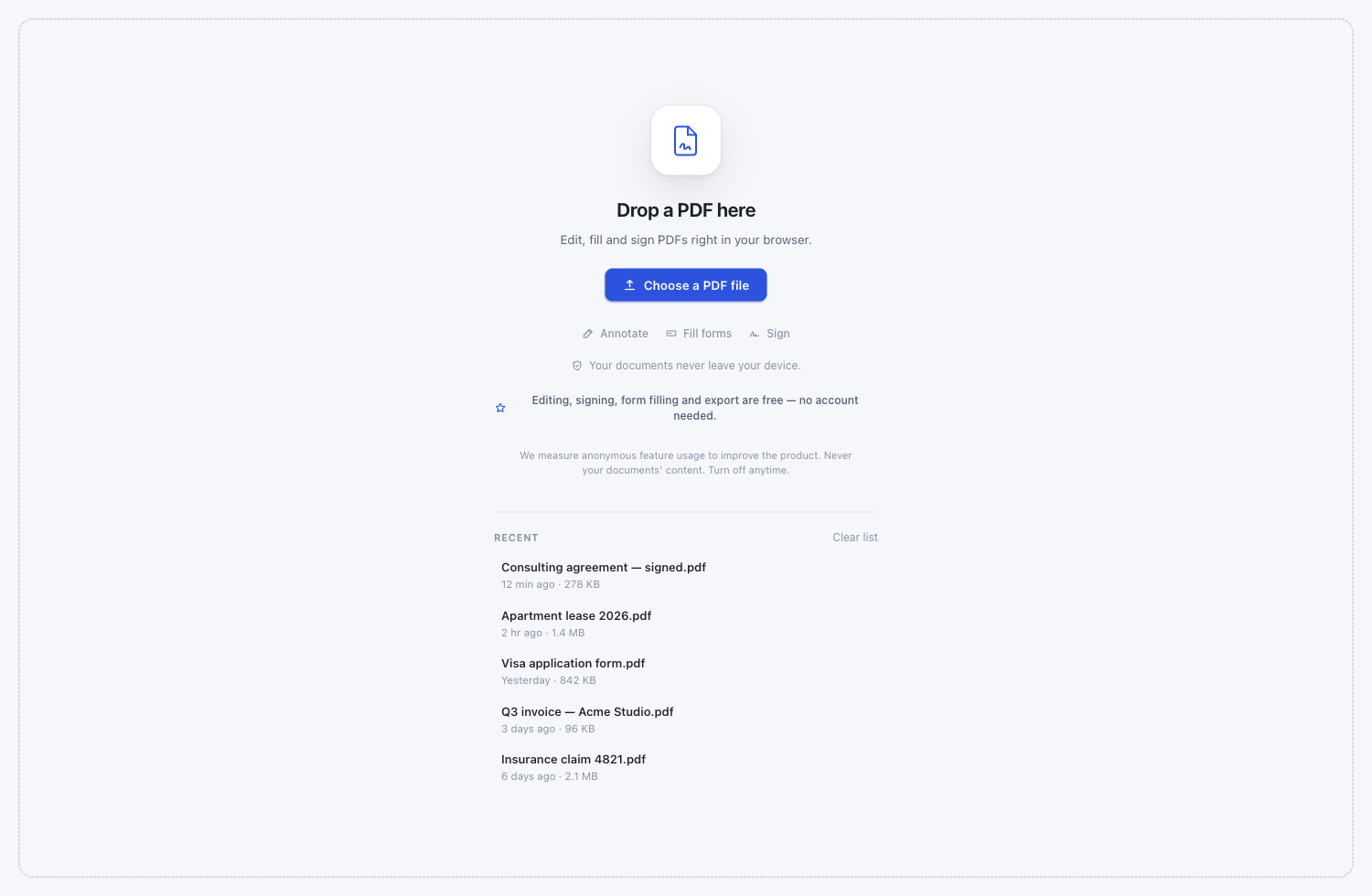
Recent documents and edits are kept in your browser’s local storage, ready for the next pass.
Clear limits, before you begin
There is no account requirement for the free editor and no trial countdown hidden behind the first export.
$0 no account
For working inside one PDF and exporting the result.
$7 / month
For combining files and working with scanned pages.
The document processing still happens on your device.
Built for real bilingual documents
Type right-to-left notes, mix Hebrew with English and numbers, then export without reversing the words you just added.
עברית, English ו־123 — באותו מסמך.
לגרסה בעברית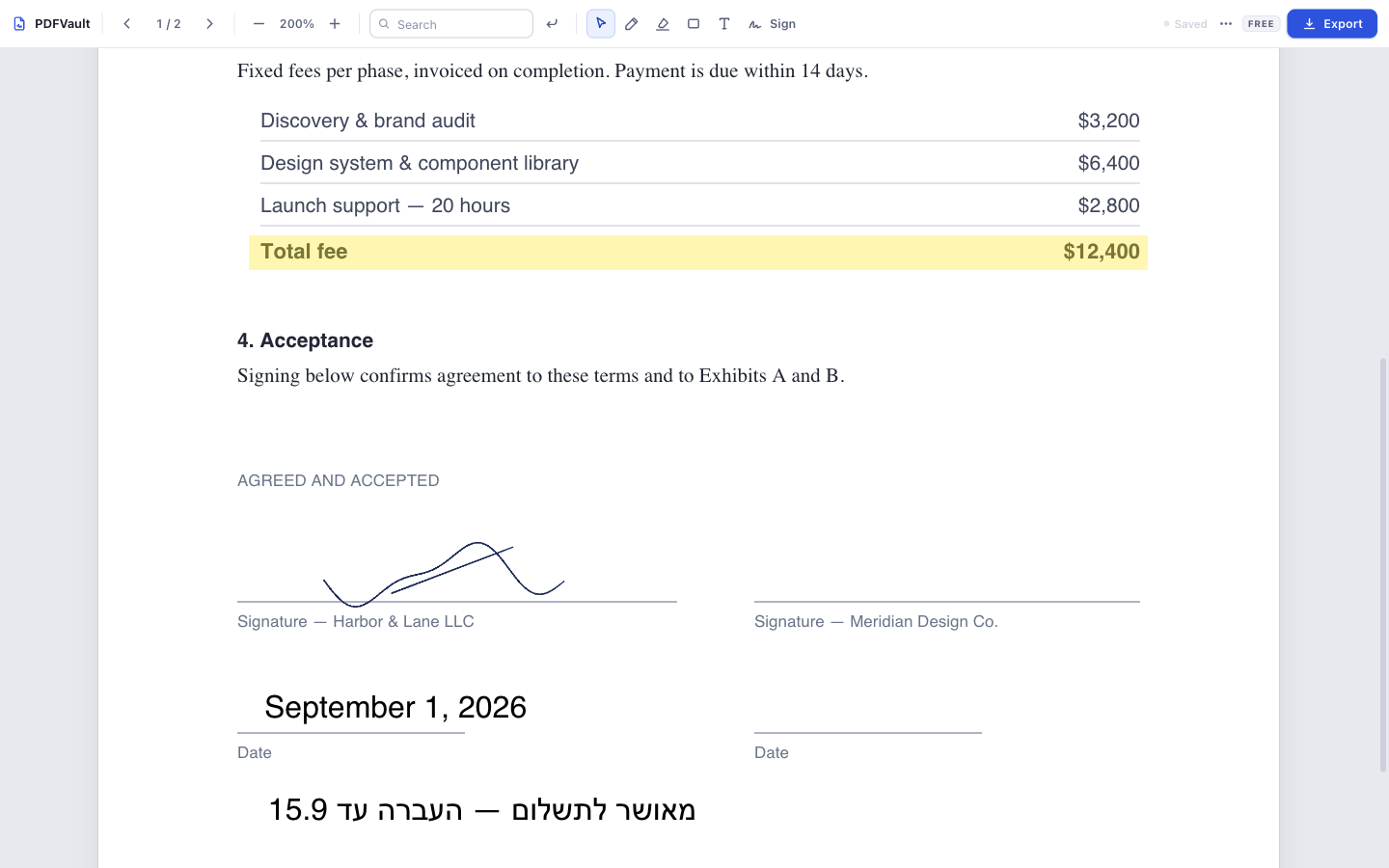
What local-first means
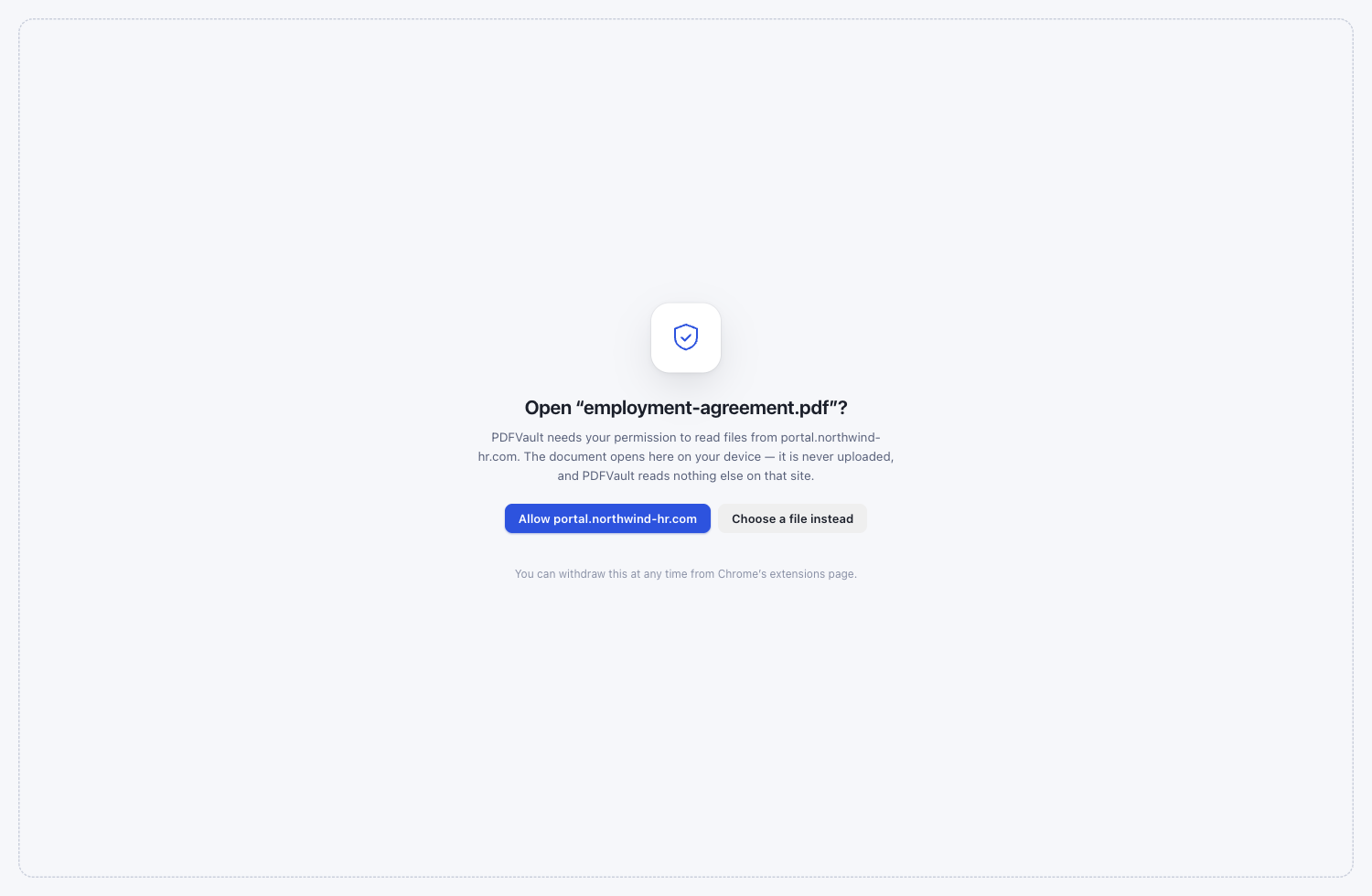
PDFVault parses, displays, edits, merges, recognizes, and exports your files inside the extension on your device.
About usage measurement: PDFVault measures anonymous feature usage to improve the product. It never includes your document content or filenames, and it can be turned off at any time in Settings.
Questions worth asking
No. The file is opened and processed inside the extension on your device. Document content, filenames, signatures, form values, and OCR output are not sent to us.
No account is needed to edit, sign, fill forms, or export. If you choose Pro, payment is handled by ExtensionPay.
Viewing, annotations, text editing, form filling, signatures, Hebrew support, and export are included in the free editor.
For $7/month, Pro adds PDF merging, page organization, and offline OCR for scanned documents.
The core editor and OCR run locally after installation. Installing the extension, upgrading, and checking payment status can require an internet connection.
Yes. PDFVault supports right-to-left Hebrew text and mixed Hebrew-English lines in the editor and exported PDF.
Anonymous events such as which built-in tool was used and coarse count ranges. Never document content or filenames. Measurement is on by default and can be turned off in Settings.

Chrome Web Store listing in preparation
The extension is ready; the public Chrome Web Store URL will appear here after review.